Signing in
You only sign in at Review, when you are ready to launch. Everything before that works signed out.
When you sign in
You can build a whole launch signed out: pick a launchpad, name the coin, pick a team and see the full cost. Unison asks you to sign in on the Review screen, the moment it needs to save your launch. One tap, and you land back where you were.
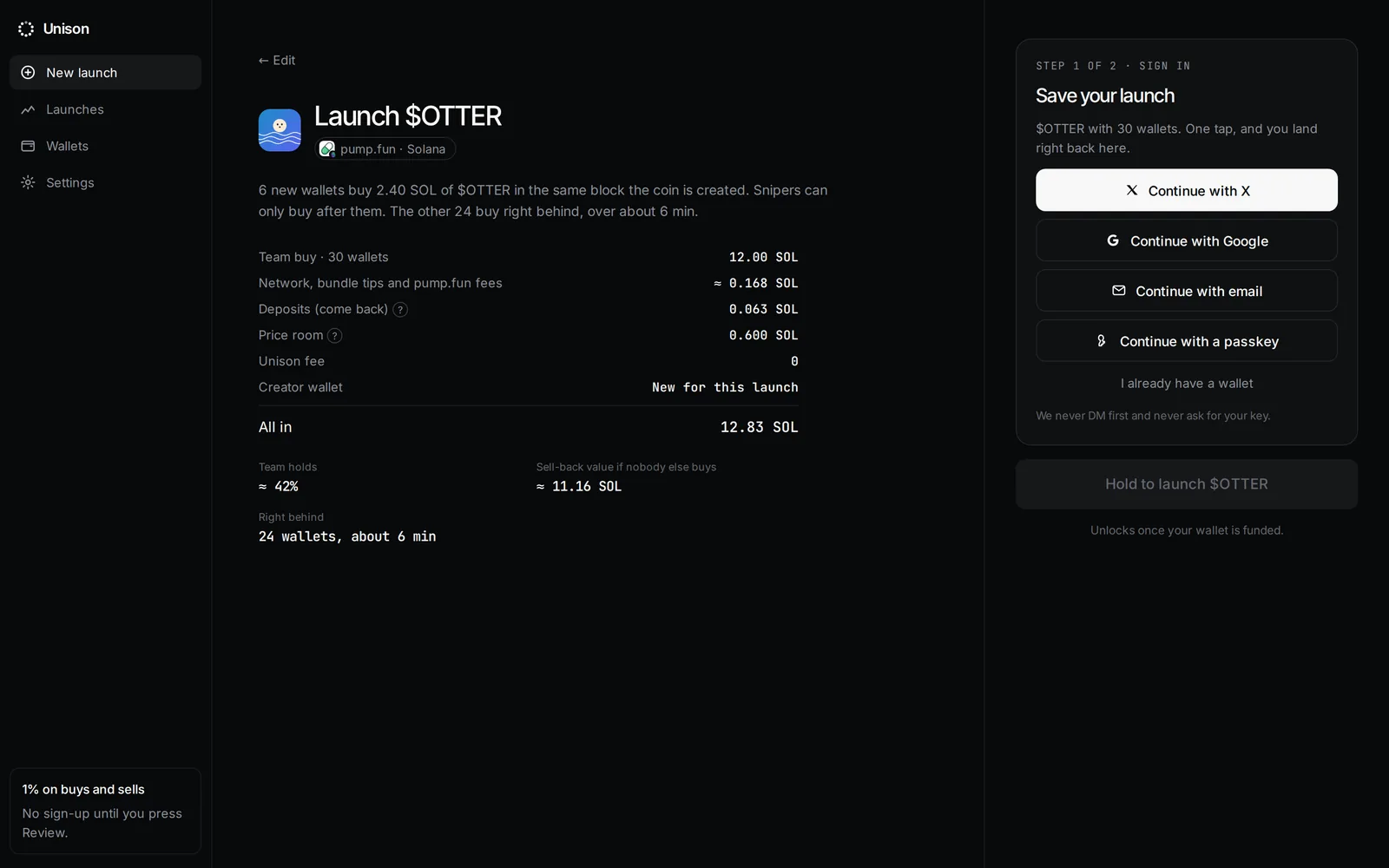
Ways to sign in
- Continue with X
- Continue with Google
- Continue with email
- Continue with a passkey
- I already have a wallet
Sign-in runs through Privy. When you sign in, you get a main wallet on each chain. No seed phrase to write down.
What happens to your draft
Your launch draft lives in the browser tab until you sign in. Closing the tab loses it. The picture you drop is uploaded only after sign-in, at Review.
Who we are
We never DM first and never ask for your key. Anyone who does is not us.
Updated 9 Nov 2026. Numbers come from the app and its API.