Your first launch in 2 minutes
Pick a launchpad, add a name and a picture, and hold to launch. The recommended team of 30 is already picked.
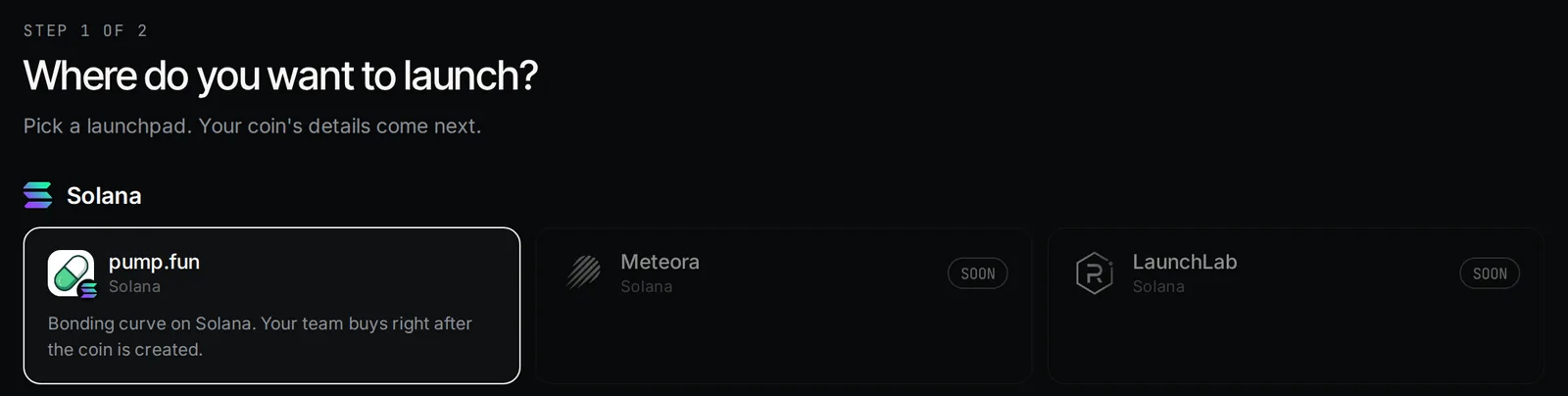
1. Pick a launchpad
Open the app and press New launch. Pick pump.fun, Pons or Direct deploy. Not sure? See Picking a launchpad.
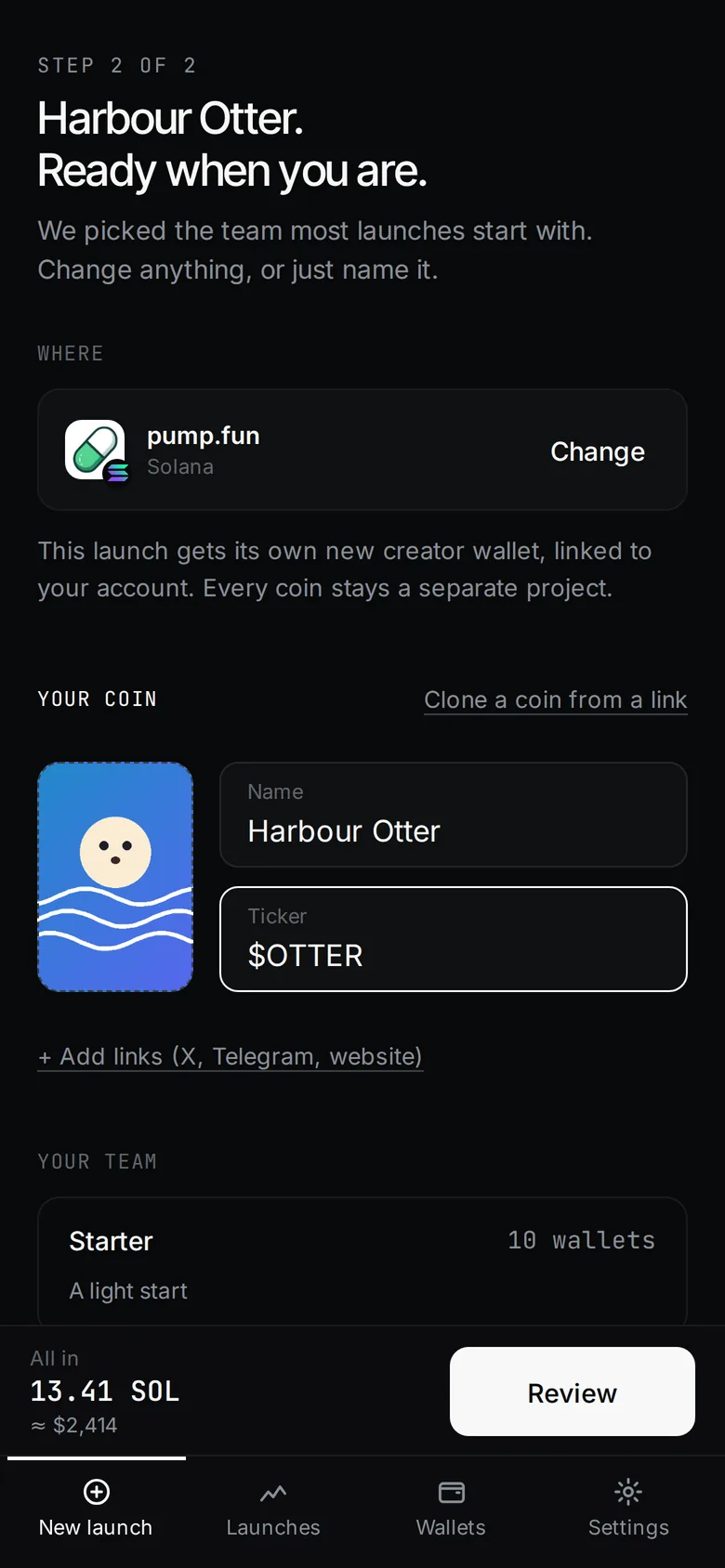
2. Name it and add a picture
- Name: up to 32 characters.
- Ticker: filled in from the name. Letters A–Z and numbers only, up to 10 characters.
- Picture: required. PNG, JPG, WEBP or GIF, up to 2 MB.
- Links to X, Telegram and a website are optional, under + Add links.
Want to copy a coin you saw? Use Clone a coin from a link. See Cloning and importing.
3. Keep or change the team
Recommended (30 wallets) is picked for you. Starter is 10, Big is 100, or type any number from 1 to 1,000. Slide Each wallet buys to set the amount per wallet. The line under the team says how many buy in the launch block and how many right behind.
4. Review launch
The right column shows every cost line and All in. Press Review launch. Nothing is sent yet.
5. Sign in and fund
Sign in on Review. Unison creates your team wallets. If your main wallet holds less than You need, add money with the QR code on the same screen. It flips to Funded by itself.
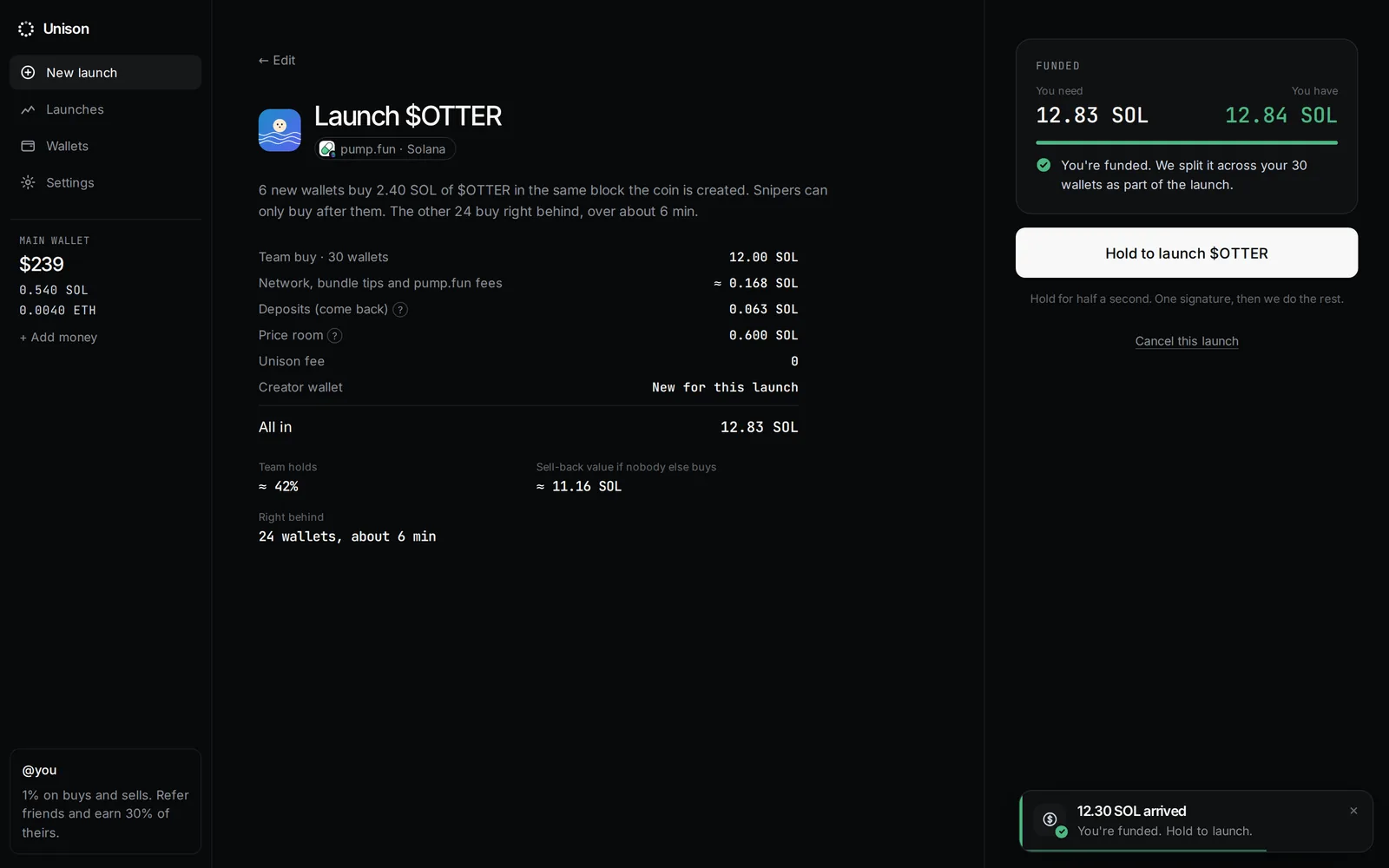
6. Hold to launch
Hold Hold to launch for half a second. That is your one signature: a transfer from your main wallet to the launch. Unison splits it across the team, creates the coin and buys. The live screen shows each step.
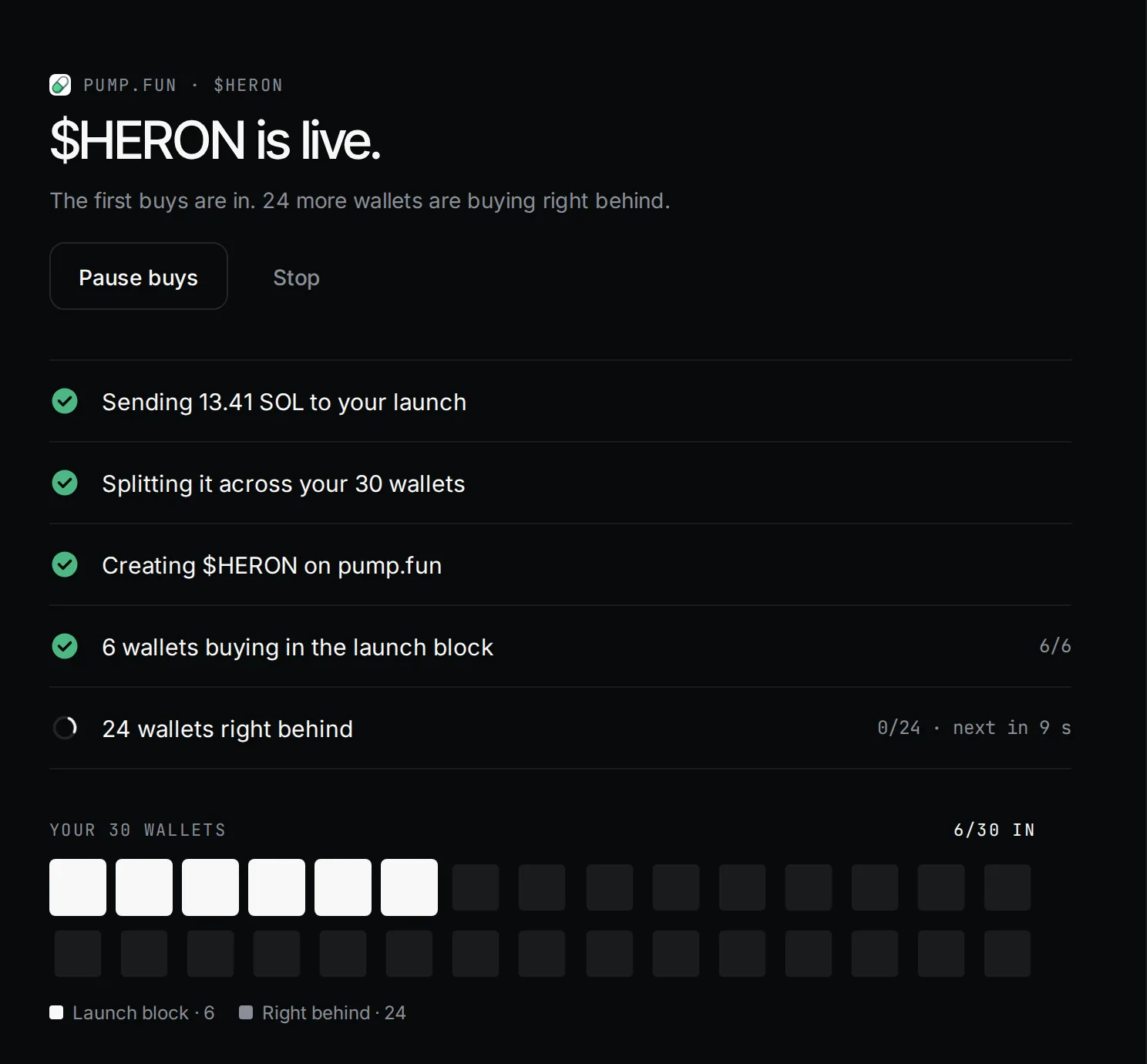
7. Open the coin page
When it says live, press Open coin page. From there you sell, set autopilot rules and bring money home. You can close the tab at any point: the launch keeps going and shows up under Launches.
Updated 9 Nov 2026. Numbers come from the app and its API.