Selling
Pick 25, 50, 75 or All, then hold to sell. Every wallet sells at once, and the money can go straight home.
How to sell
- On the coin page, pick 25%, 50%, 75% or All (keys 1 to 4 work too).
- Read You get about: what you receive after all fees.
- Hold Hold to sell. The button says how many wallets sell.
On Solana the sells go out in Jito bundles. Progress shows "Selling… 12 of 30".
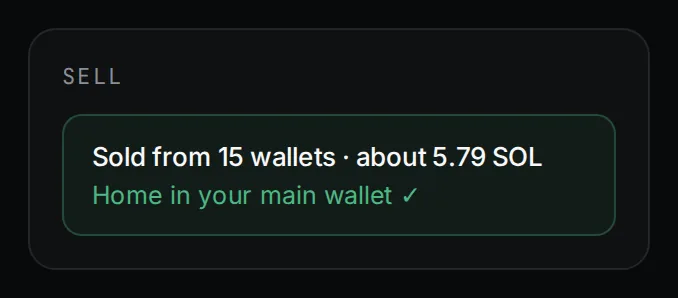
Then bring the SOL home
On by default when you sell from the whole team.
- With All: every team wallet goes back to your main wallet in the same go. This also stops any team buys still running.
- With less: what this sells goes to your main wallet. The coins you keep stay put.
Sell from one wallet
In the Wallets tab, press Select on a wallet. The sell panel then sells from that wallet only. Press the × on its chip to go back to every wallet.
Price protection
Each wallet's sell has a price floor: what it would get if the wallets sold with it land first, minus 10%. If a sell would land below that, it fails and the wallet keeps its coins. Sell again to retry.
Fees
1.5% of what each sale returns, at the rate fixed when the coin launched. It is collected when that wallet next sends money home. If a wallet is left too little to pay all of it, it pays what it can and the rest is waived.
Updated 9 Nov 2026. Numbers come from the app and its API.