Pro settings and presets
Pro settings put every launch dial in one drawer. Turn them on in Settings; they stay hidden until you do.
Turn them on
Open Settings and switch on Pro mode.
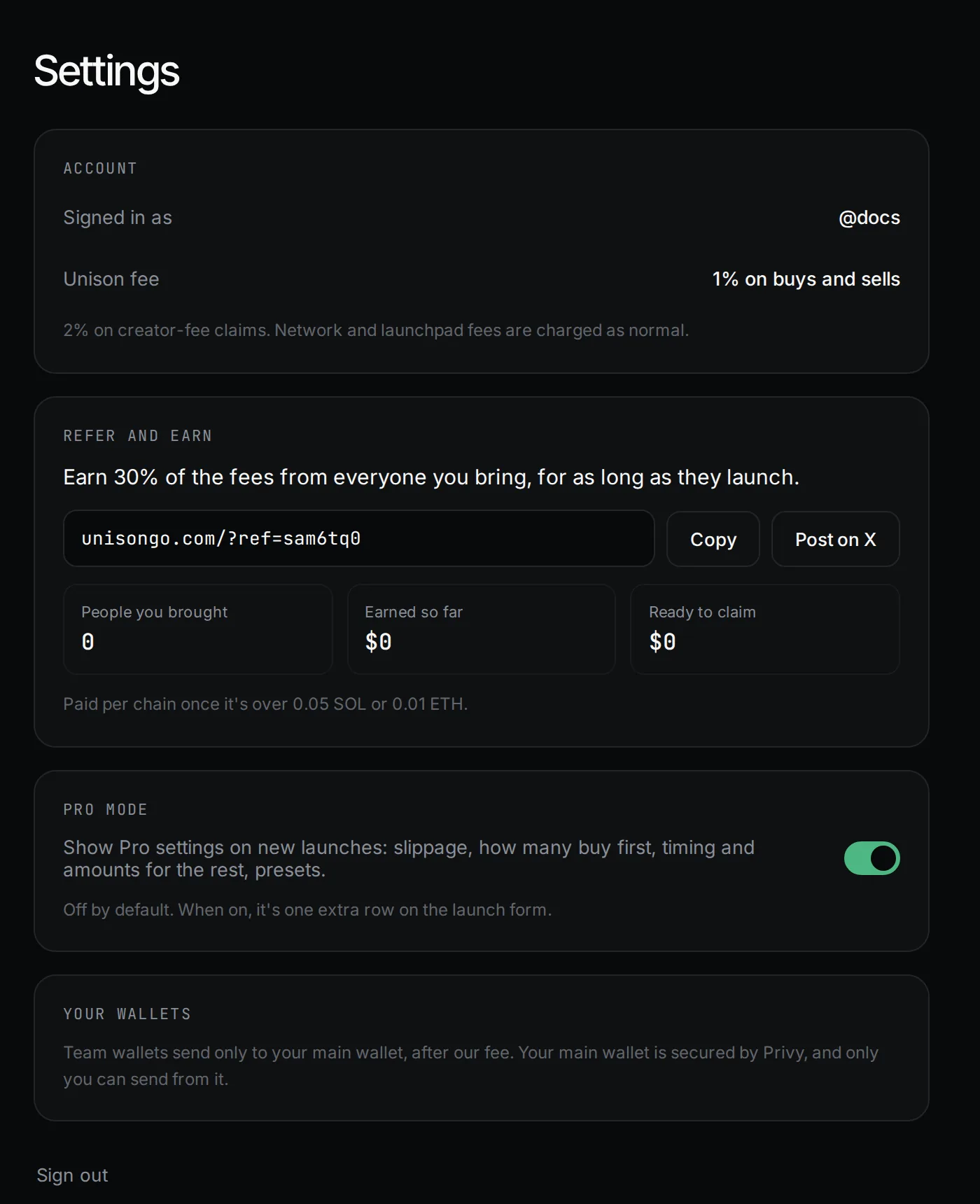
A Pro settings row appears on the launch form, with a summary such as "Spread 2–30 s · ±15% · Limit 10%" and a tag: Recommended or Custom · N changed. Pro mode is saved per browser.
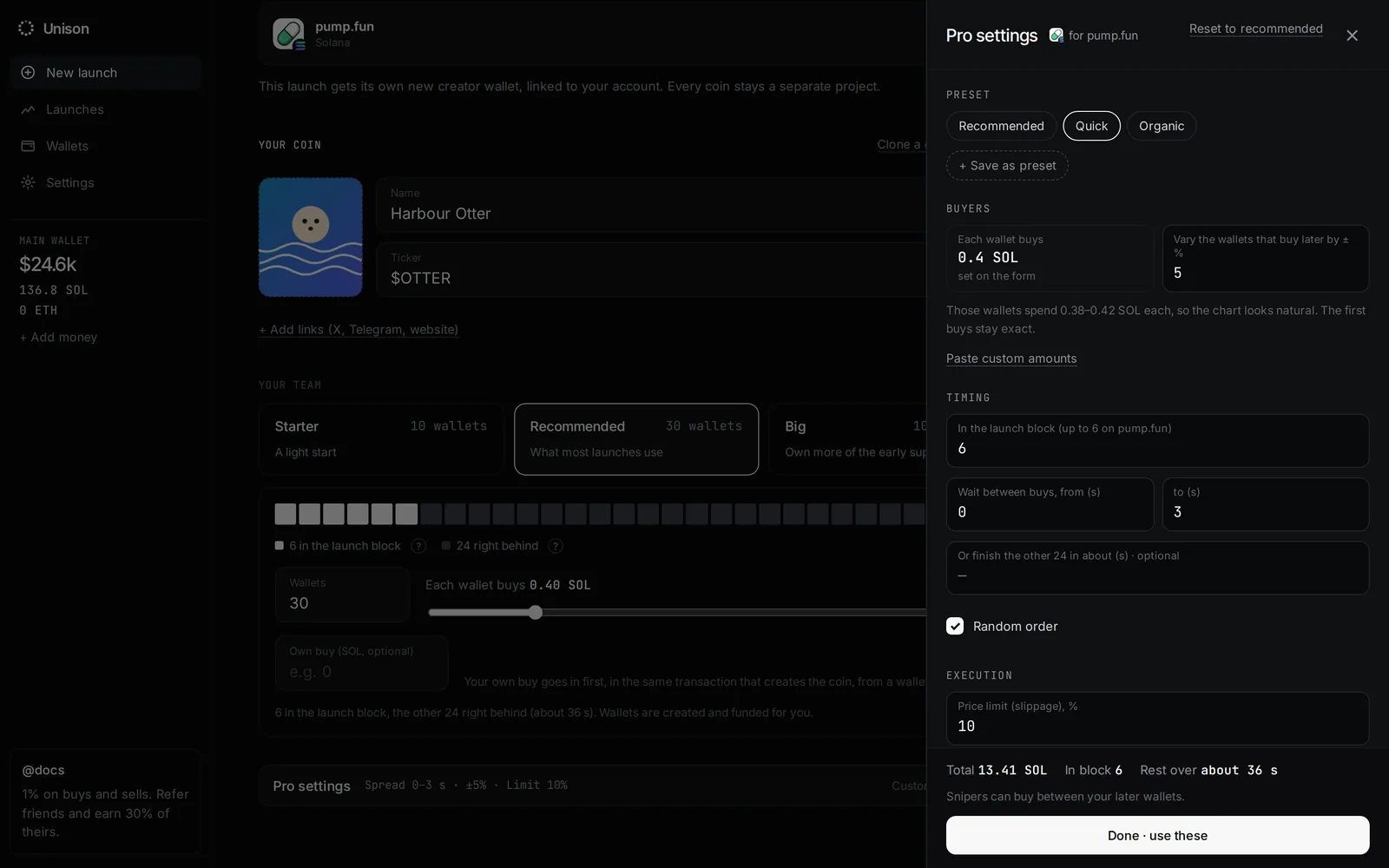
Every setting
| Setting | Default | Range |
|---|---|---|
| Vary the wallets that buy later by ±% | 15% | 0 to 50%. First buys stay exact |
| Custom amounts | Equal | One amount per wallet, pasted one per line or comma-separated |
| In the launch block | The launchpad maximum | 0 to the maximum (6, 31 or 240) |
| Wait between buys, from / to (s) | 2 to 30 s | Pons: at least 6 s |
| Or finish the rest in about (s) | Off | Up to 7 days. Overrides the waits |
| Random order | On | On or off |
| Price limit (slippage), % | 10% | 1 to 50% |
Under 5%, the drawer warns that low limits make buys fail when the price moves. Reset to recommended puts everything back.
Presets
Three are built in:
| Preset | Waits | Variation |
|---|---|---|
| Recommended | 2–30 s | ±15% |
| Quick | 0–3 s | ±5% |
| Slow | 20–180 s | ±30% |
Signed in, + Save as preset saves the current settings under a name (up to 40 characters). Saved presets show as chips for that launchpad; × deletes one. You can keep up to 100. Team size and amounts on the form still win over a preset.
Autopilot rules live on the coin page, not in Pro settings.
Updated 9 Nov 2026. Numbers come from the app and its API.