Adding money
Send SOL on Solana or ETH on Robinhood Chain to your main wallet. It shows up by itself.
Where to send it
Open Wallets, then Add money, or press + Add money under your balance. Pick the chain, then scan the QR code or press Copy address.
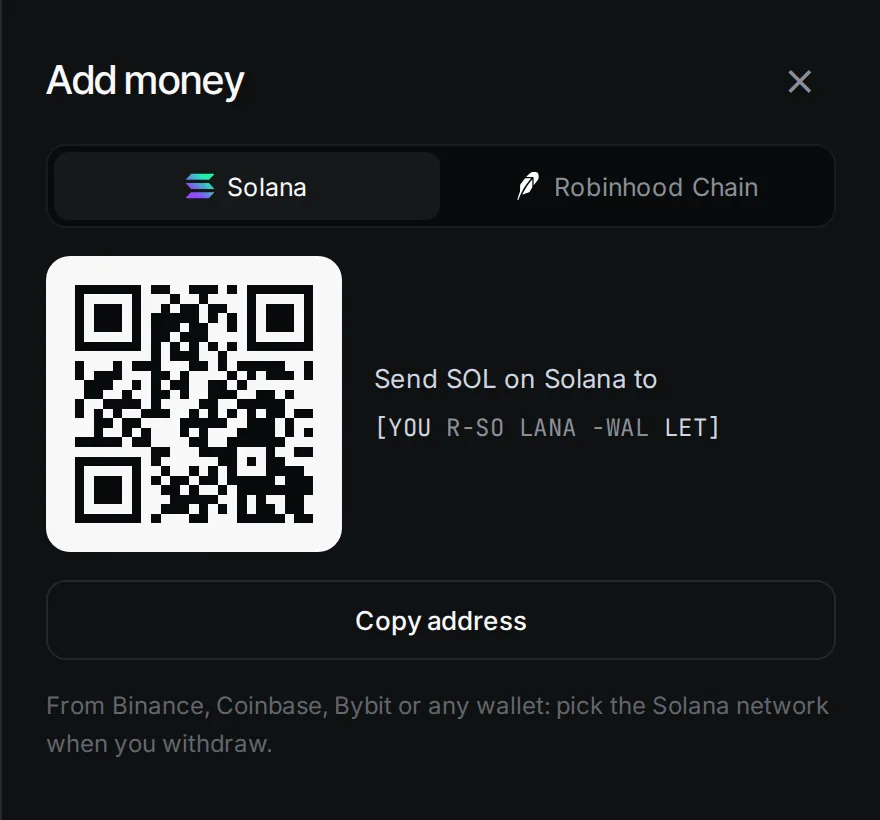
- Solana: send SOL on the Solana network. From Binance, Coinbase, Bybit or any wallet, pick the Solana network when you withdraw.
- Robinhood Chain: send ETH on Robinhood Chain only. ETH sent on another network does not count toward your launch.
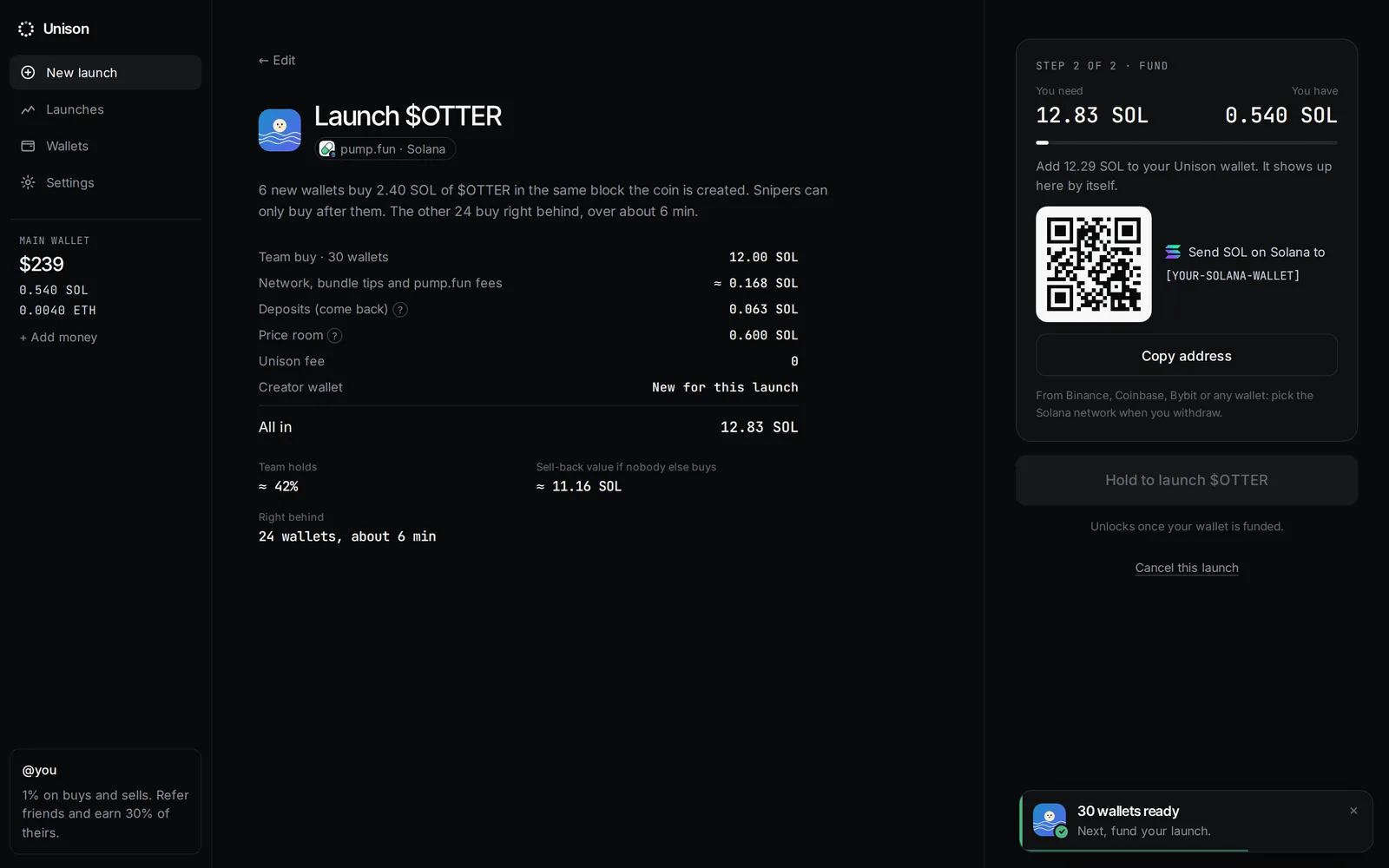
The Review screen also shows this QR code and address, with You need and You have, and flips to funded when the money lands. You never need to leave the page.
ETH on Arbitrum
Your Robinhood Chain address is the same on Arbitrum. If ETH arrives there (for example from an exchange), Wallets shows it as "on Arbitrum, same address". It does not count toward a Robinhood Chain launch.
How much to send
The Launch page shows All in before you sign in. On Review, You need is that amount plus the network fee for your one transfer. On Solana it also keeps about 0.001 SOL in your main wallet so the account stays open.
Updated 9 Nov 2026. Numbers come from the app and its API.