Cloning and importing a coin
Clone copies a coin’s details into a new launch. Import brings an existing coin and its wallets into Unison so you can run it from the coin page.
Clone a coin
On the launch form, press Clone a coin from a link and paste a pump.fun, Pons or DexScreener link (token or pair), or a bare coin address.
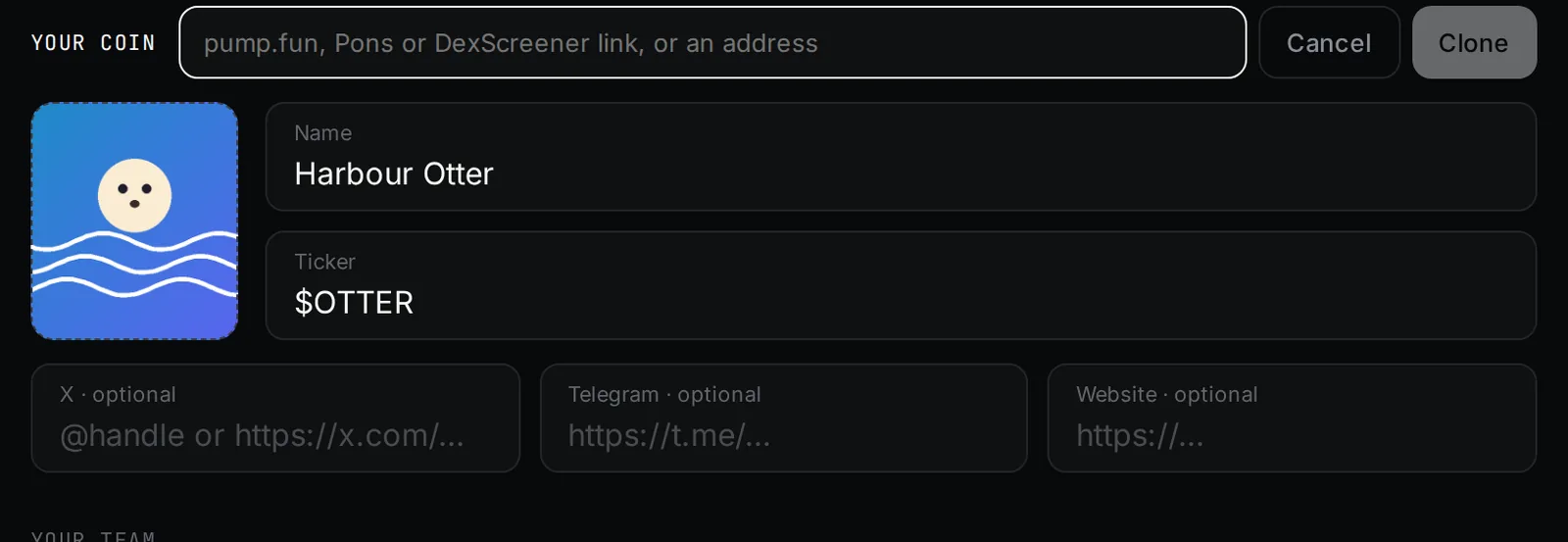
- It copies the name, ticker, picture and links. Your launchpad, team and amounts stay as you set them.
- Pictures over 2 MB are not copied; add your own.
- A brand-new pump.fun coin is found once DexScreener lists it, usually within a few minutes.
You can launch the copy on any launchpad. Change anything before you launch.
Import a coin
Open Launches, then Import a coin. Pick the chain, paste the coin address, and paste the private keys of the wallets that hold it, one per line, up to 1,000.
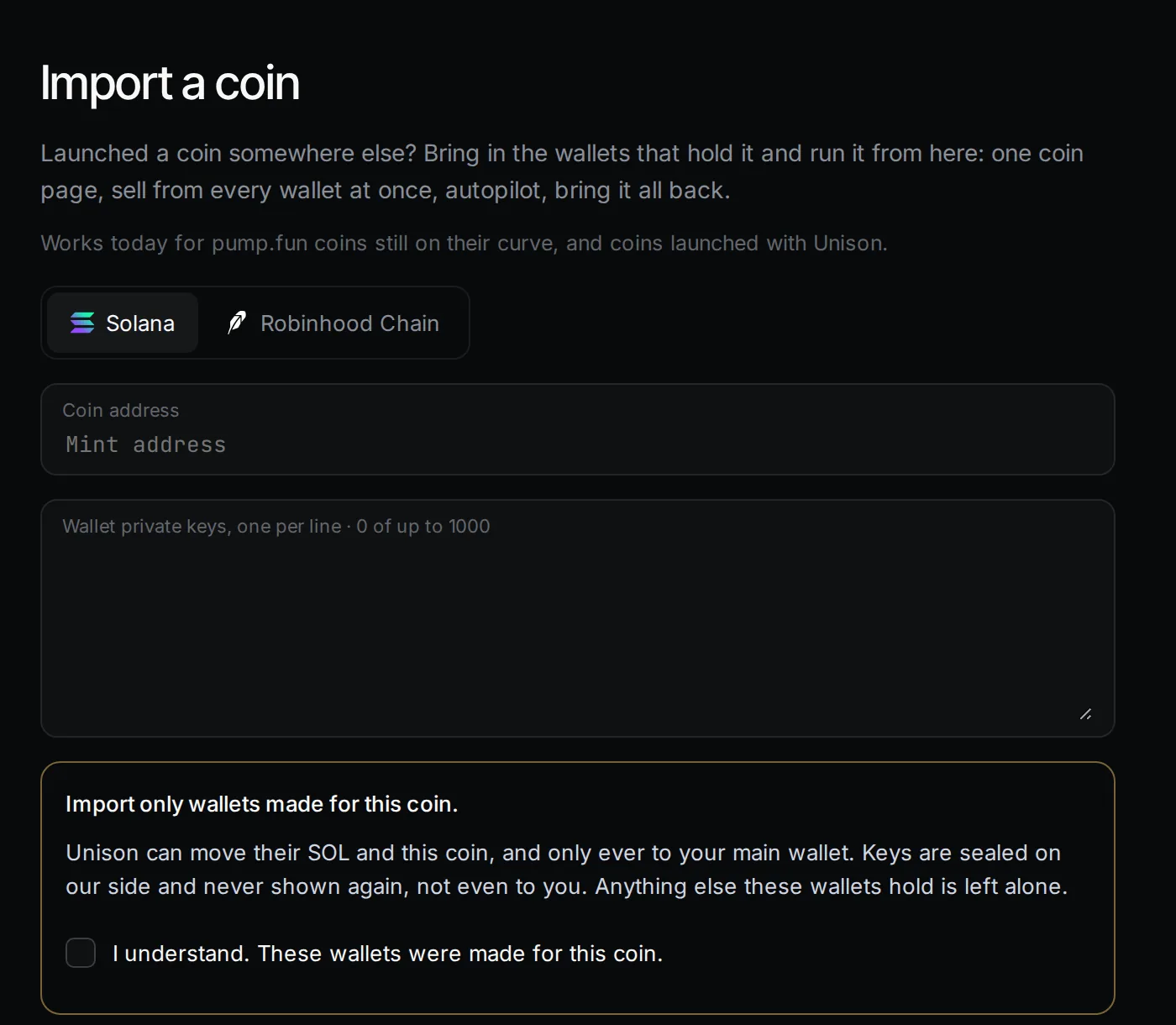
- Works today for pump.fun coins still on their curve, and coins launched with Unison.
- Unison can move only the coin and SOL/ETH in those wallets, and only ever to your main wallet. Anything else they hold is left alone.
- Keys are sealed on our side and never shown again, not even to you.
- Sells on an imported coin pay the normal 1.5% fee.
Once imported, the coin has a full coin page: sell every wallet at once, autopilot, bring it all home.
Updated 9 Nov 2026. Numbers come from the app and its API.